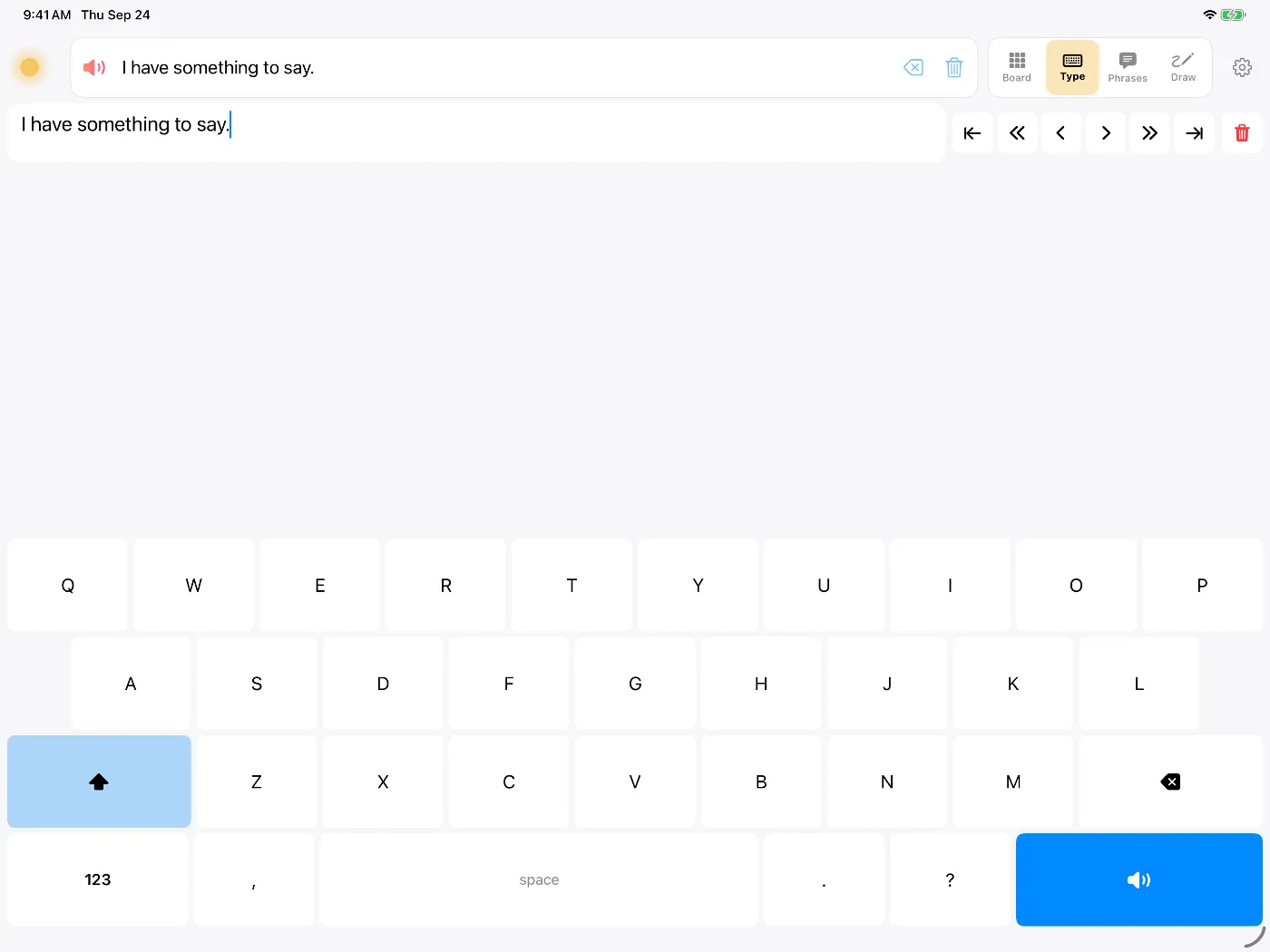
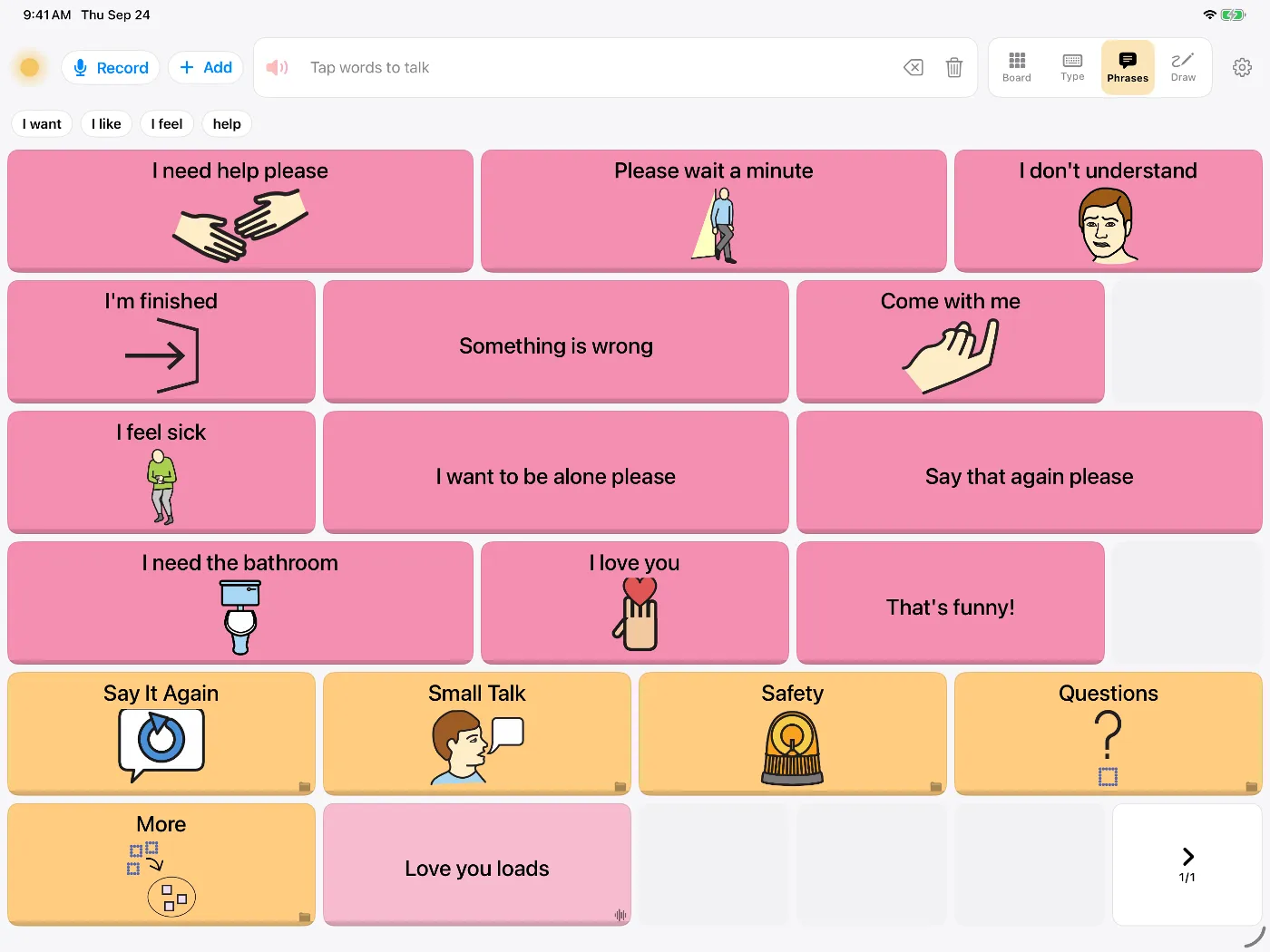
Dawn opens on a symbol board, and the keyboard is one tap away in the Type tab. You can set it up the way you talk: mostly typing, mostly saved phrases, or symbols when spelling is hard.
Ways to say something
Typing on a large keyboard that suggests words as you go. You can say anything that isn't already saved.
Saved phrases live in the Phrases tab: "Give me a moment to type", "I need to sit down", and anything else you say every day. You can save any message you've typed straight from the message bar.
Symbols help when reading or spelling is hard, which can happen after a stroke. Each word stays in the same place on the board until you move it.
Voices
There are over 900 voices, and Voice Studio can make any of them higher, lower, younger or older. You can also build a voice from about eight seconds of your own speech, or record phrases with message banking if your speech is likely to change. More on voice banking.
Situations adults ask about
- Appointments. Type your questions the night before and save them as phrases, so you can get through them in a short slot.
- Noise. Show the message full screen to the person at the counter.
- No signal. The voices run on the device, so Dawn works in a hospital basement or on a plane. More on working offline.
- Privacy. Dawn has no account and doesn't upload what you say.
By condition
- ALS and MNDRecord your voice while speech is clear. Typing and switch scanning for later.
- Stroke and aphasiaSymbols, phrases and typing for when words are hard to find.
- Parkinson's and MSWhen your voice gets quiet or hard to understand.
- Head and neck cancerRecord your voice before surgery.
- Autistic adultsShutdowns, overload, or not speaking at all.
- Temporary voice lossAfter surgery, intubation, or on voice rest.