An AAC app that works with no internet, and keeps what you say private

Dawn's voices, including one made from your own recording, run on the iPhone or iPad. It speaks with Wi-Fi off, and nothing you type or record is sent to us.

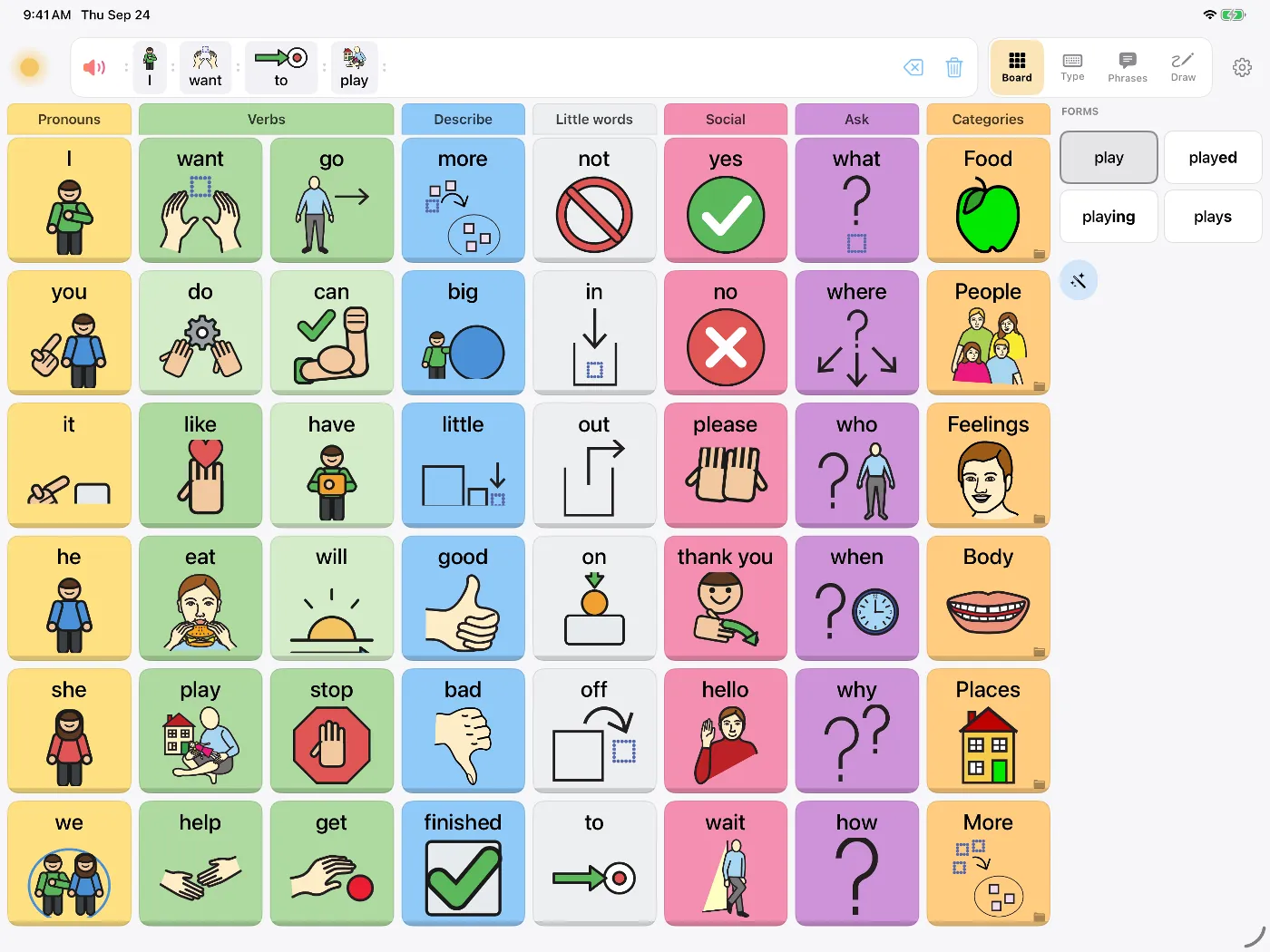
Dawn's symbol board on iPad with the message 'I want to play' built from symbols

Internet access isn't always available in hospitals, schools or on a plane. Everything in Dawn that produces speech runs on the device, so it speaks without a connection.

What runs on the device

  • All 900+ voicesThe voices are installed with the app, so they work the same on a plane as at home.
  • Making a personal voiceRecording about eight seconds and turning it into a voice happens on the iPhone or iPad, in about half a minute.
  • Typing, prediction and the whiteboardWord prediction and reading handwriting aloud both work offline.
  • Recorded phrases and photosMessage banking recordings and photo symbols are stored on the device and play without a connection.

Speed

Dawn doesn't contact a server to speak, so there's no network wait. It also prepares the board's words in the chosen voice ahead of time, so single words play as soon as they're tapped.

Privacy

Dawn has no account or sign-in and no analytics, and it doesn't send what you say anywhere. Read our privacy policy.
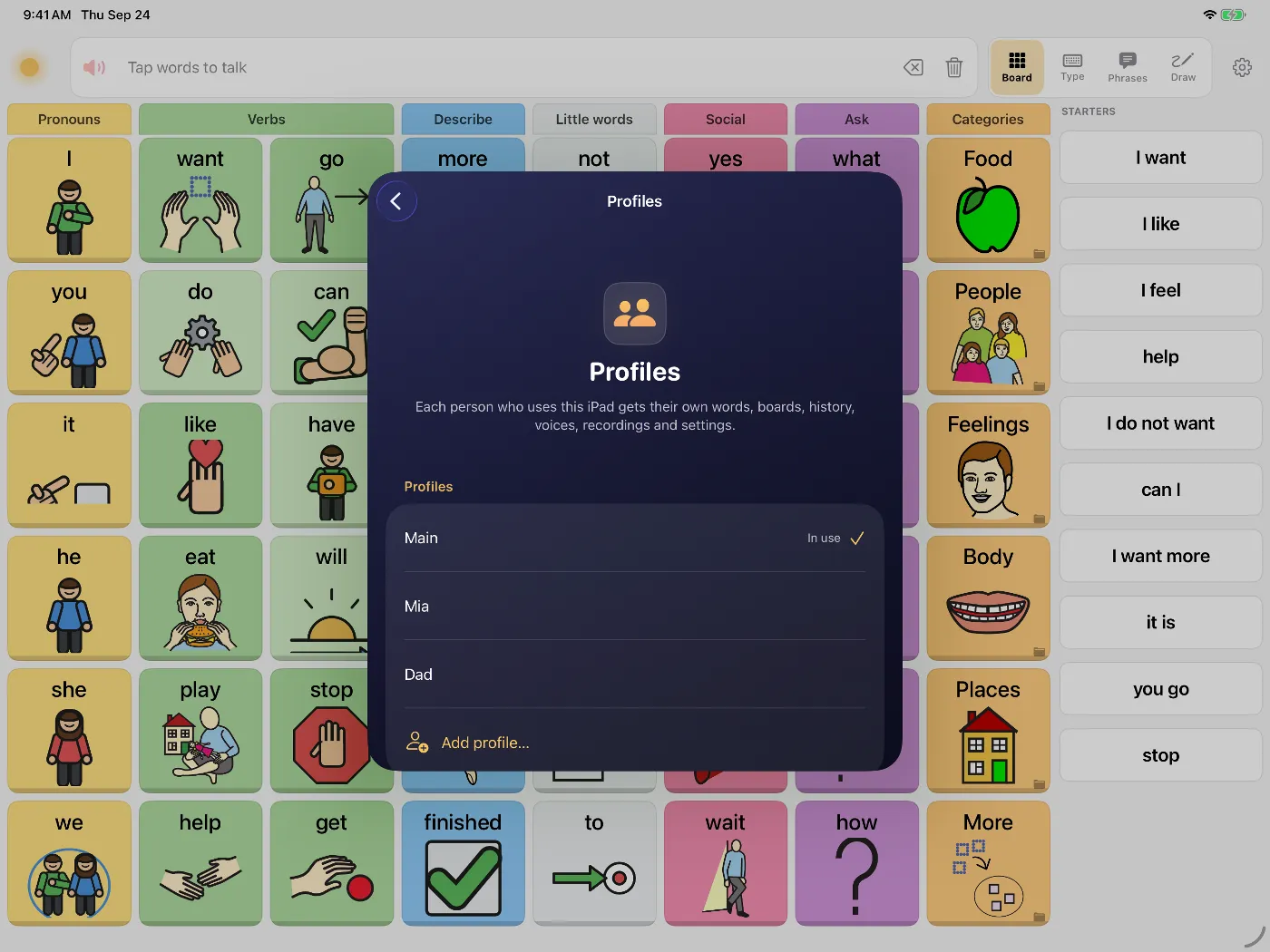
Dawn's Profiles screen on iPad listing Main, Mia and Dad, each with their own words, boards and voices
Each profile on a shared iPad has its own words, boards, history, voices and recordings.

Backups

Because everything is on the device, it's worth keeping a backup. Dawn saves a full backup as one file that you store where you like. Before a restore, it saves a copy of the current data first.

Questions people ask

Does anything need downloading after I install Dawn?

No. The voices, symbols and the parts that build a personal voice all come with the app. Once it's installed, it works the same with Wi-Fi off.

What does Dawn collect?

Nothing. The App Store privacy label says Data Not Collected. There's no account or analytics, and your words, recordings and voices stay on the device unless you export a backup.

How do I keep a copy in case the iPad breaks?

Settings, then Data & Backup, makes one file that holds the boards, edits, personal voices, recorded phrases and photos. Save it wherever you like, such as the Files app or your own iCloud Drive, and restore it on a new device.

Is a voice made from my recording sent anywhere?

No. The voice is made on the iPhone or iPad and stored there. You can delete it in Dawn at any time.

Try Dawn on iPhone or iPad

Symbols, typing and saved phrases, spoken in a natural voice. Dawn can also build a voice from about eight seconds of your own speech.

Requires iOS 17 or later.