Dawn is an AAC app for iPhone and iPad that can speak in its user's own voice. AAC (augmentative and alternative communication) is how people who cannot rely on speech communicate: tap symbols, build a sentence, the device speaks it. Dawn's difference is its voice engine, which runs entirely on the device: about eight seconds of recorded speech becomes a personal neural voice in about ten seconds, with nothing uploaded anywhere. There is no account, no server, and no data collection of any kind.
Fact sheet
| Name | Dawn AAC |
|---|---|
| Platforms | iPhone and iPad, one app |
| Price model | Yearly or weekly subscription, each with a free trial, through the App Store |
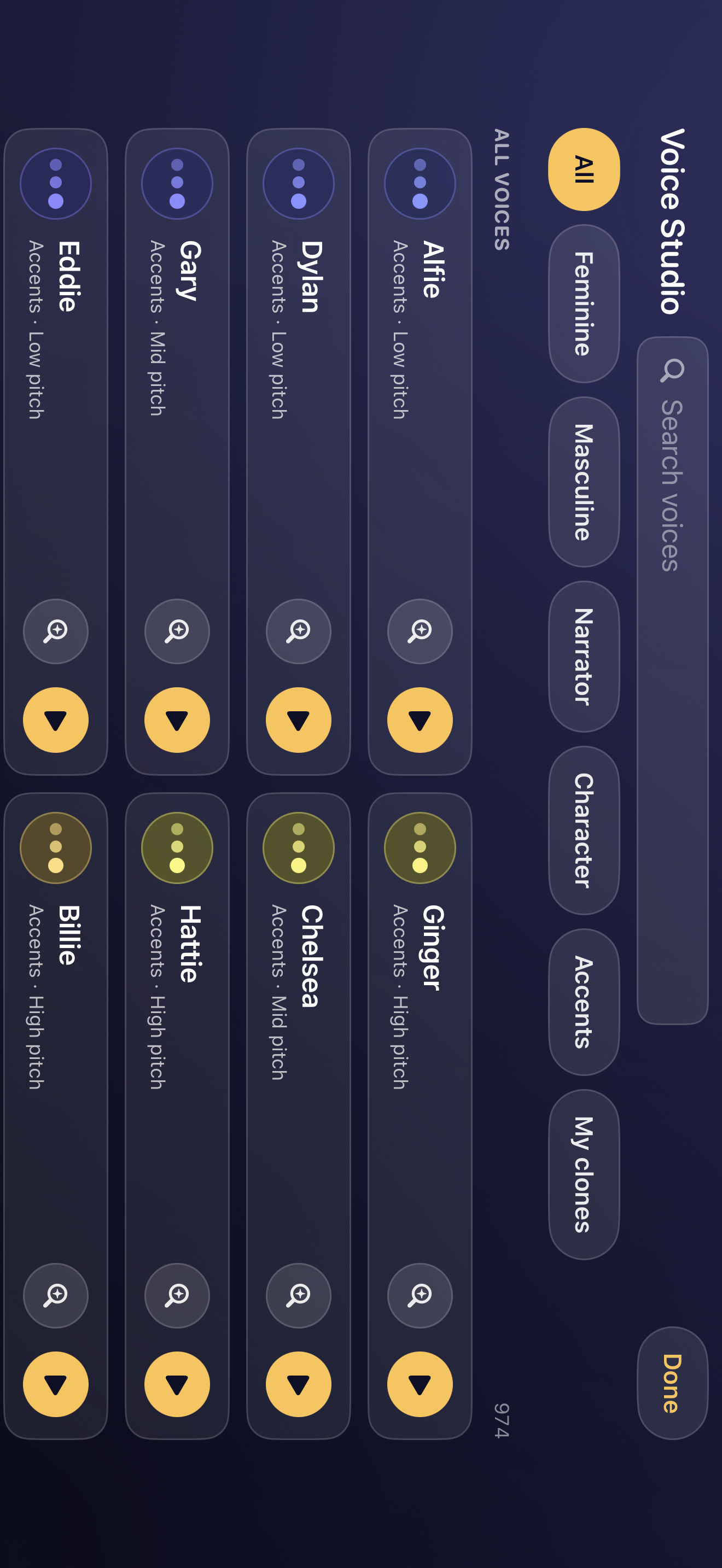
| Voices | 970 built-in neural voices, plus personal voices created on the device from about eight seconds of audio |
| Voice Studio | Shape any voice by pitch and age, blend two voices, or match a recording to the nearest built-in voices |
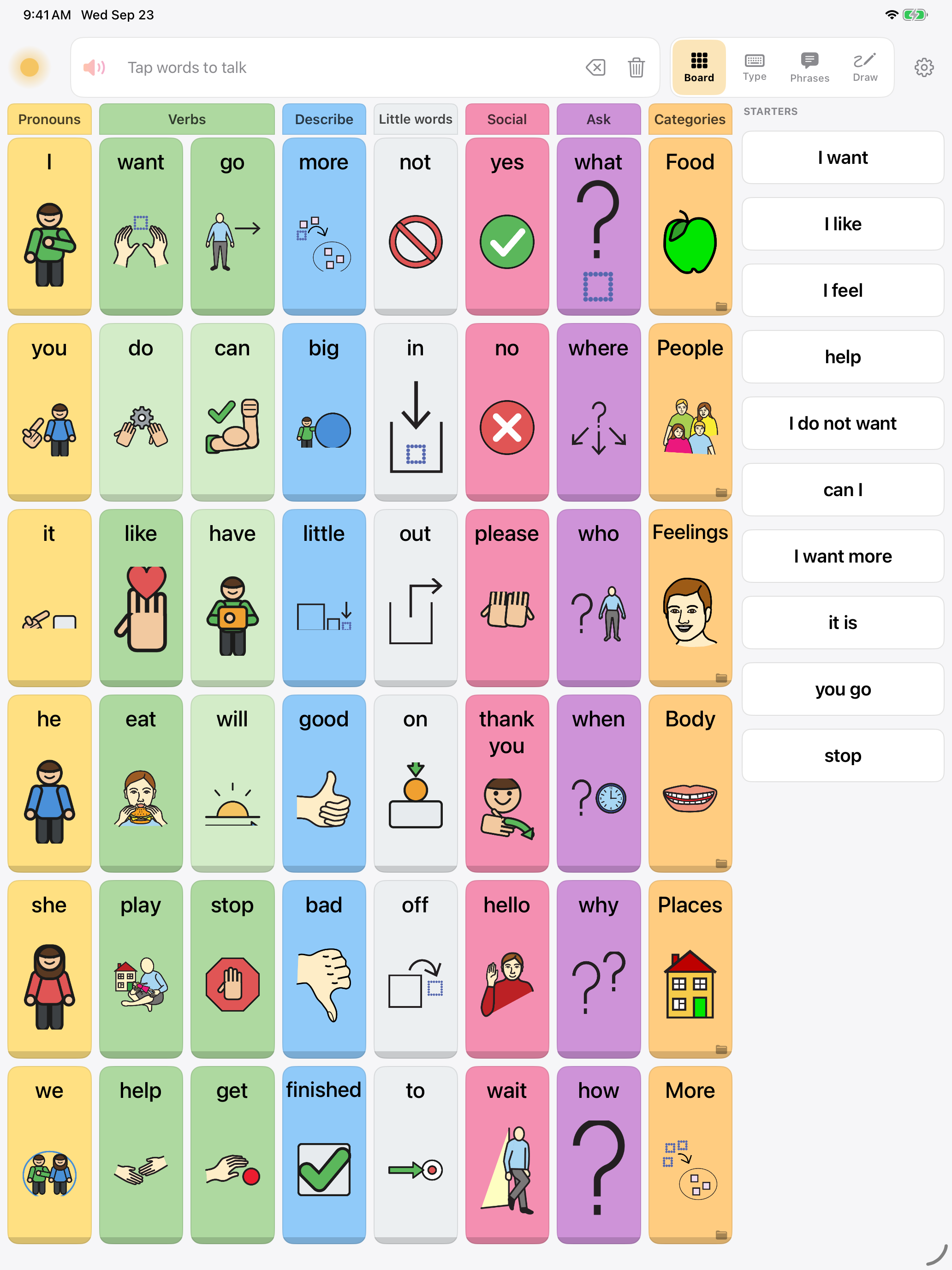
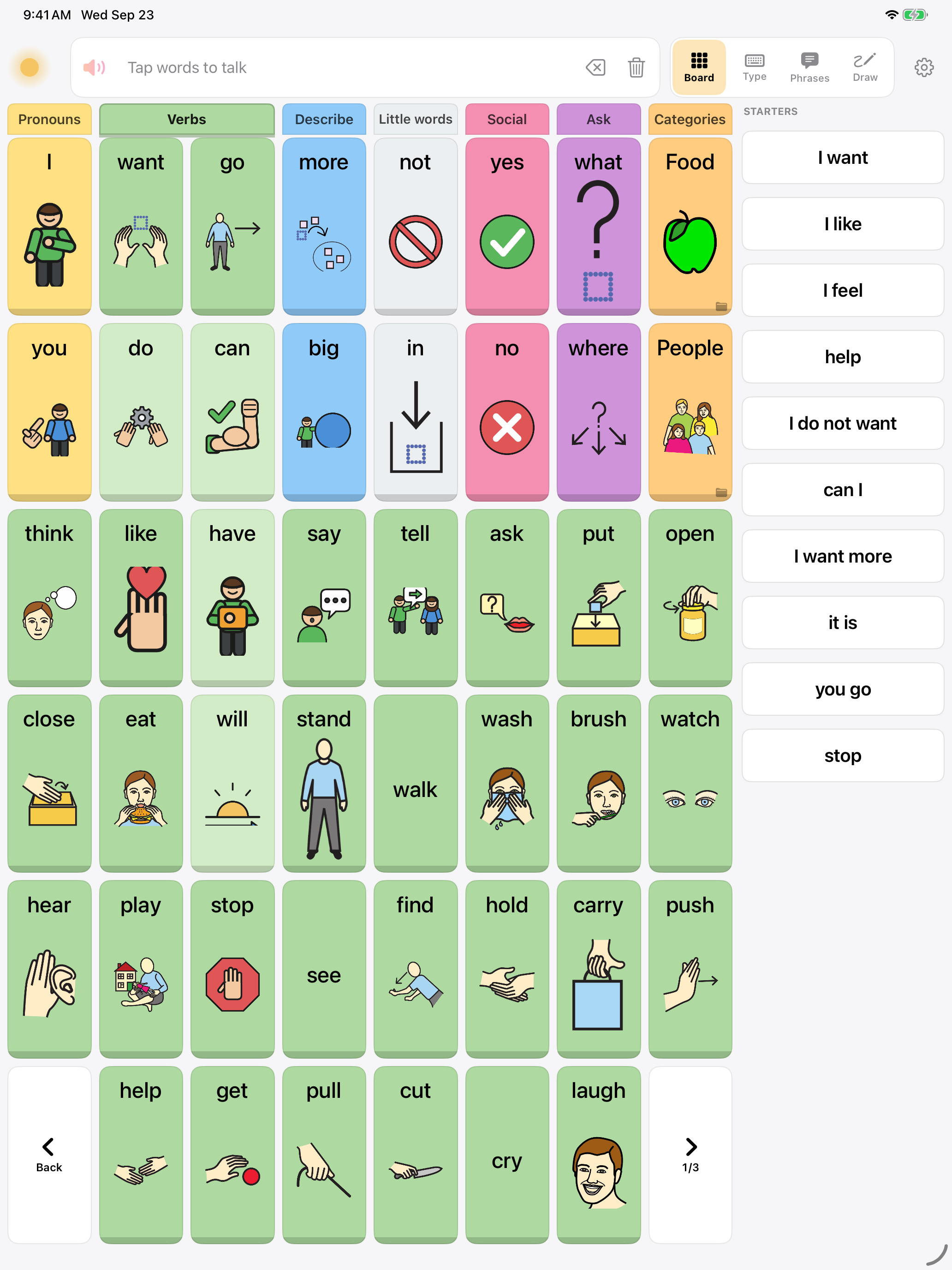
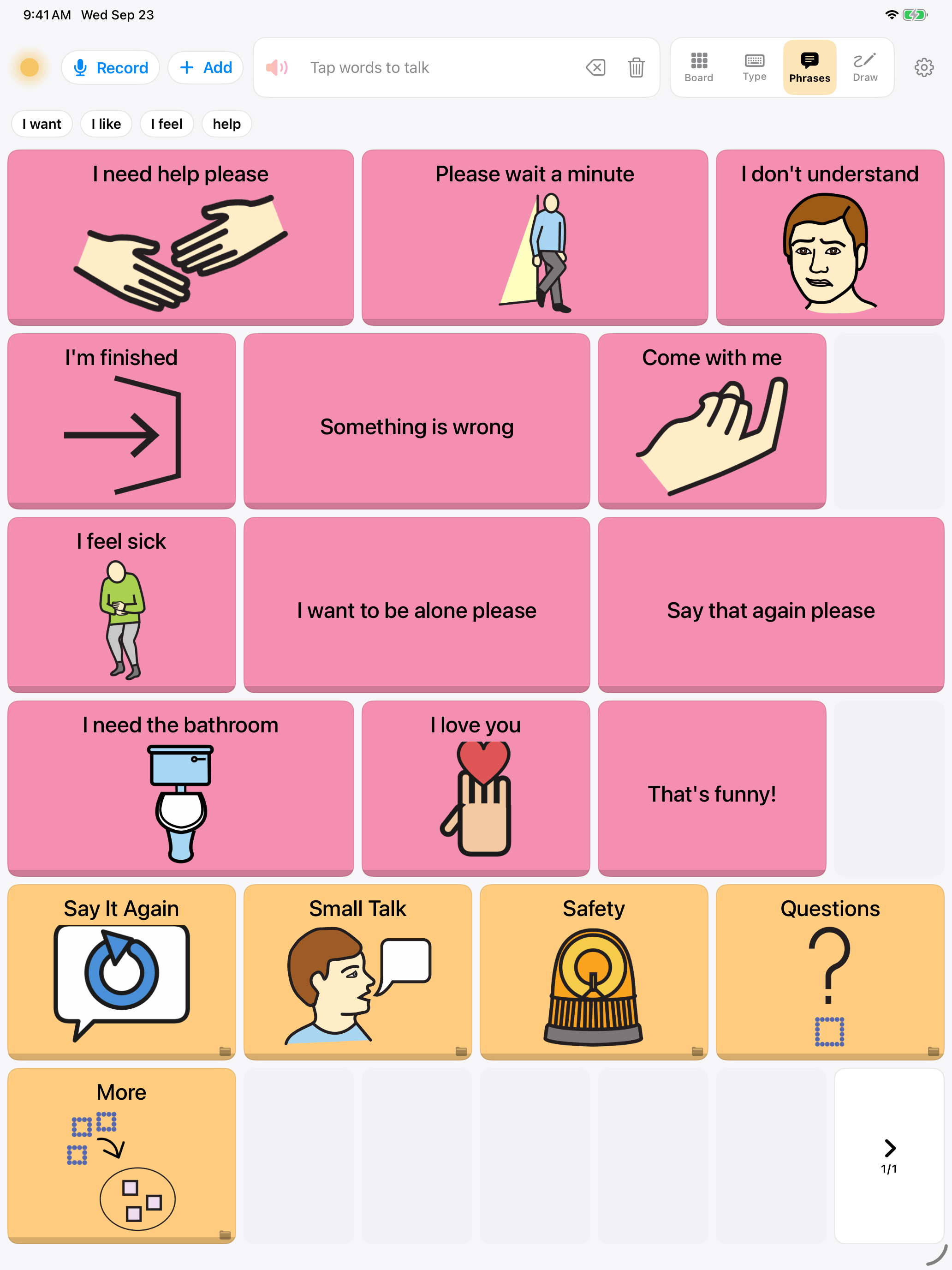
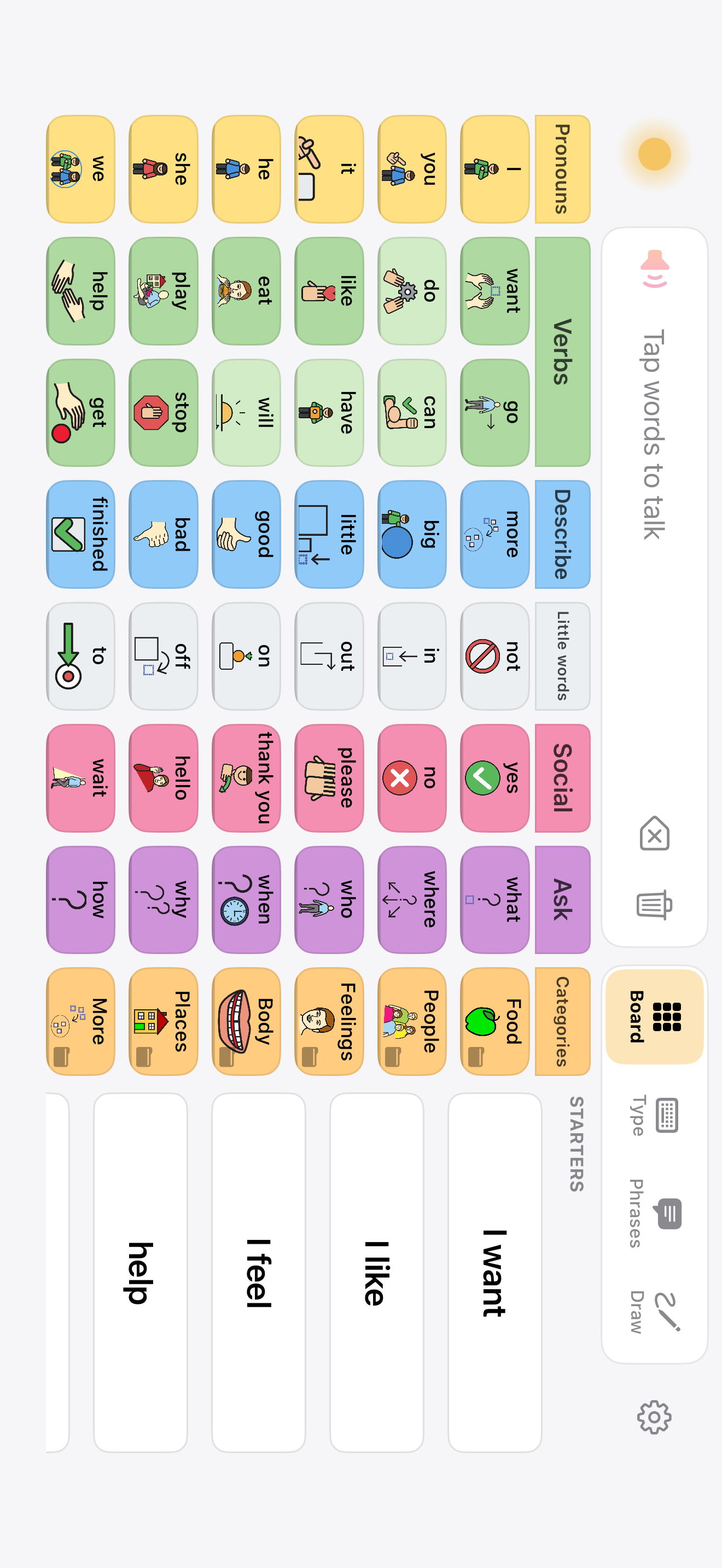
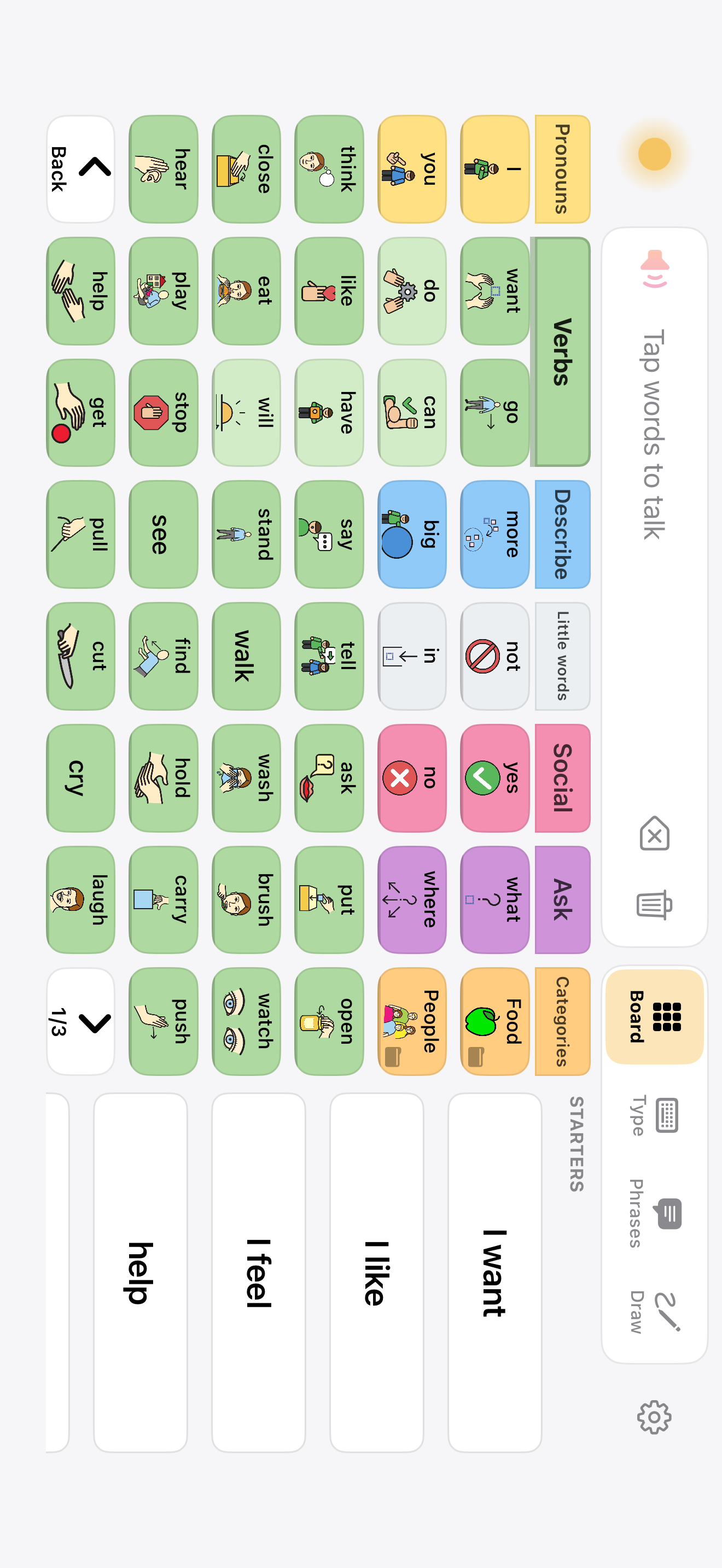
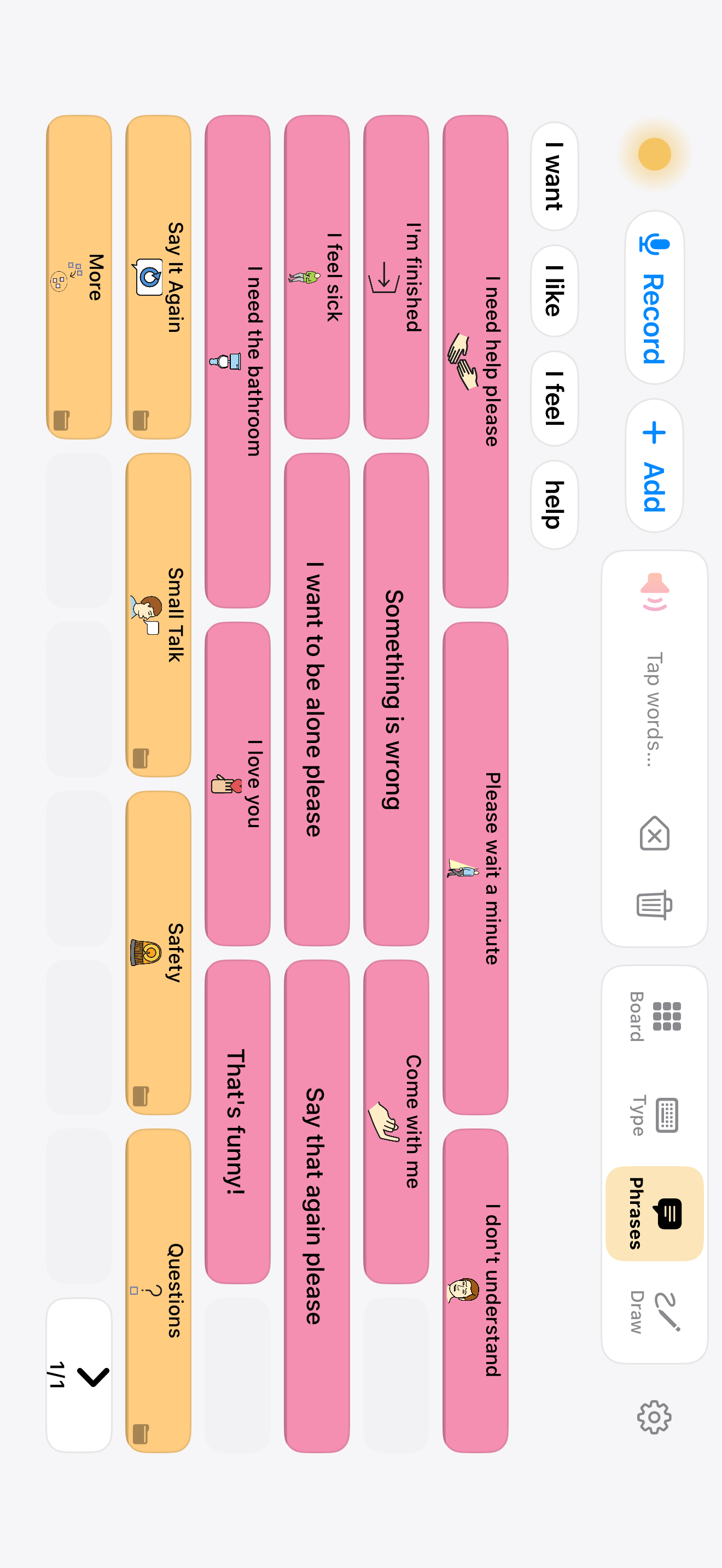
| Vocabulary | 3,100+ words and phrases across 91 boards, designed from published core-word research; adult and care vocabulary (pain scale, care needs, medical, conversation repair) alongside the core board |
| Symbols | The complete Mulberry set (3,400+, CC-BY-SA), Dawn's own set of 297 core-word pictograms, and personal photos, including ones taken on the spot. Symbol-first buttons: the picture leads, the word sits under it |
| Growth | Vocabulary grows by revealing words in place (First words, Combining, Everything) on one grid, so a button never moves. Six button sizes, from biggest buttons to most words, for hands and eyes that need them |
| The frame | The core rows (I, you, want, do, more, not, yes, what) stay on screen while folders and word lanes open beneath them |
| Access | Switch scanning across the whole app (board, keyboard, phrases, message window), one or two switches, remappable keys, auditory scanning, hold-to-activate timing, tap-repeat filtering, VoiceOver, Dynamic Type |
| Speech | Speaks on tap or by sentence, streams audio as it renders, pronunciation exceptions for names, a system-voice fallback so the device is never mute |
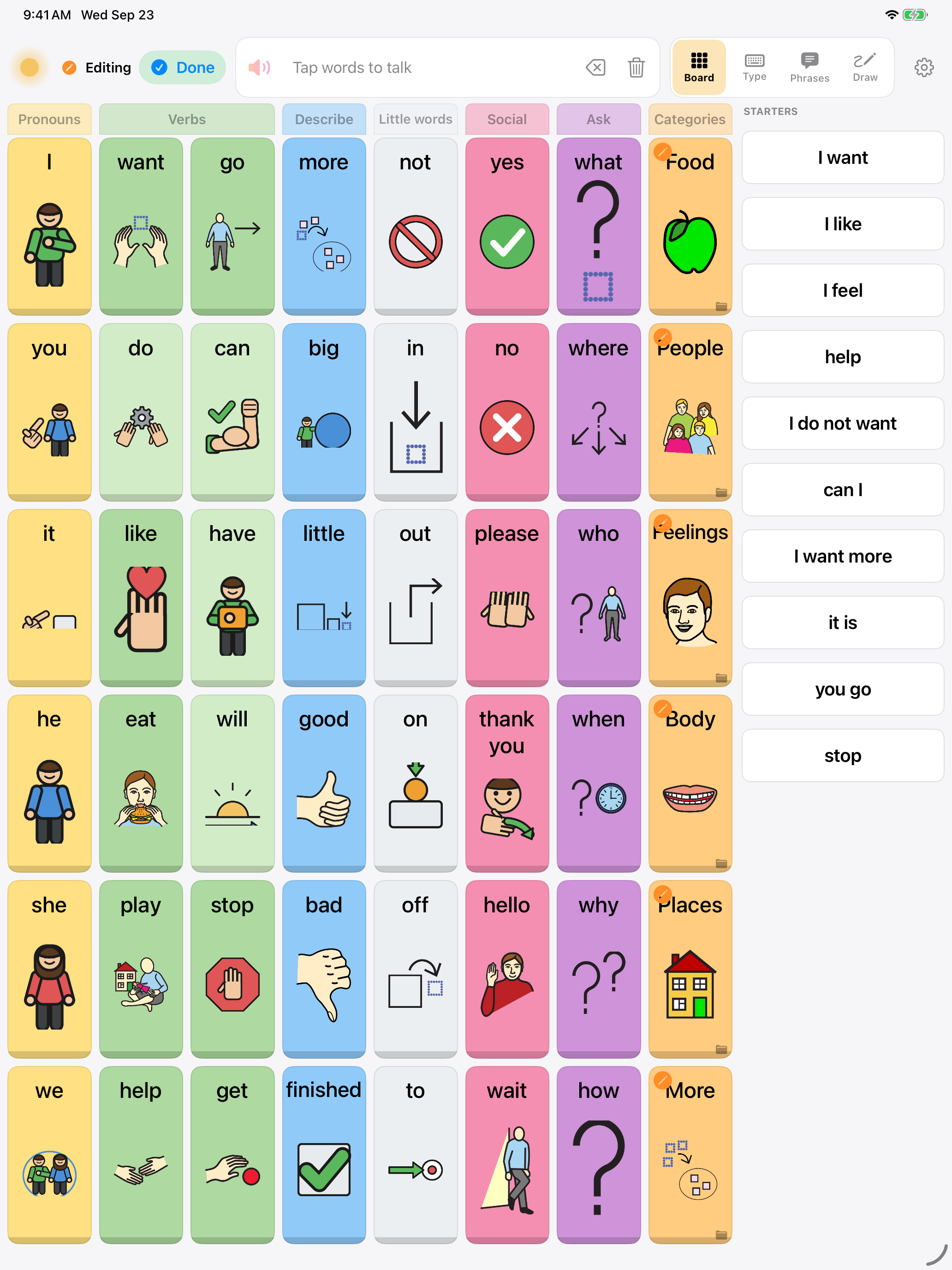
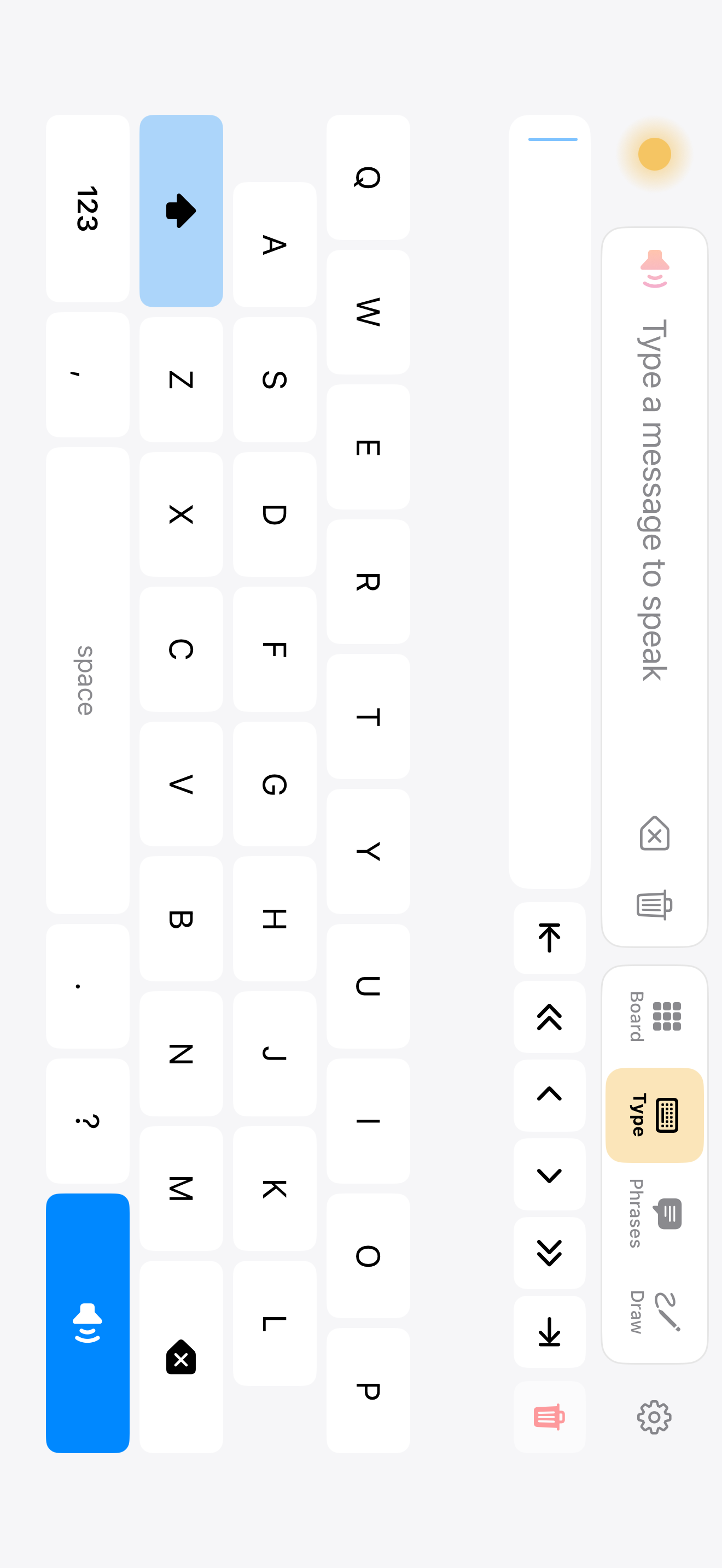
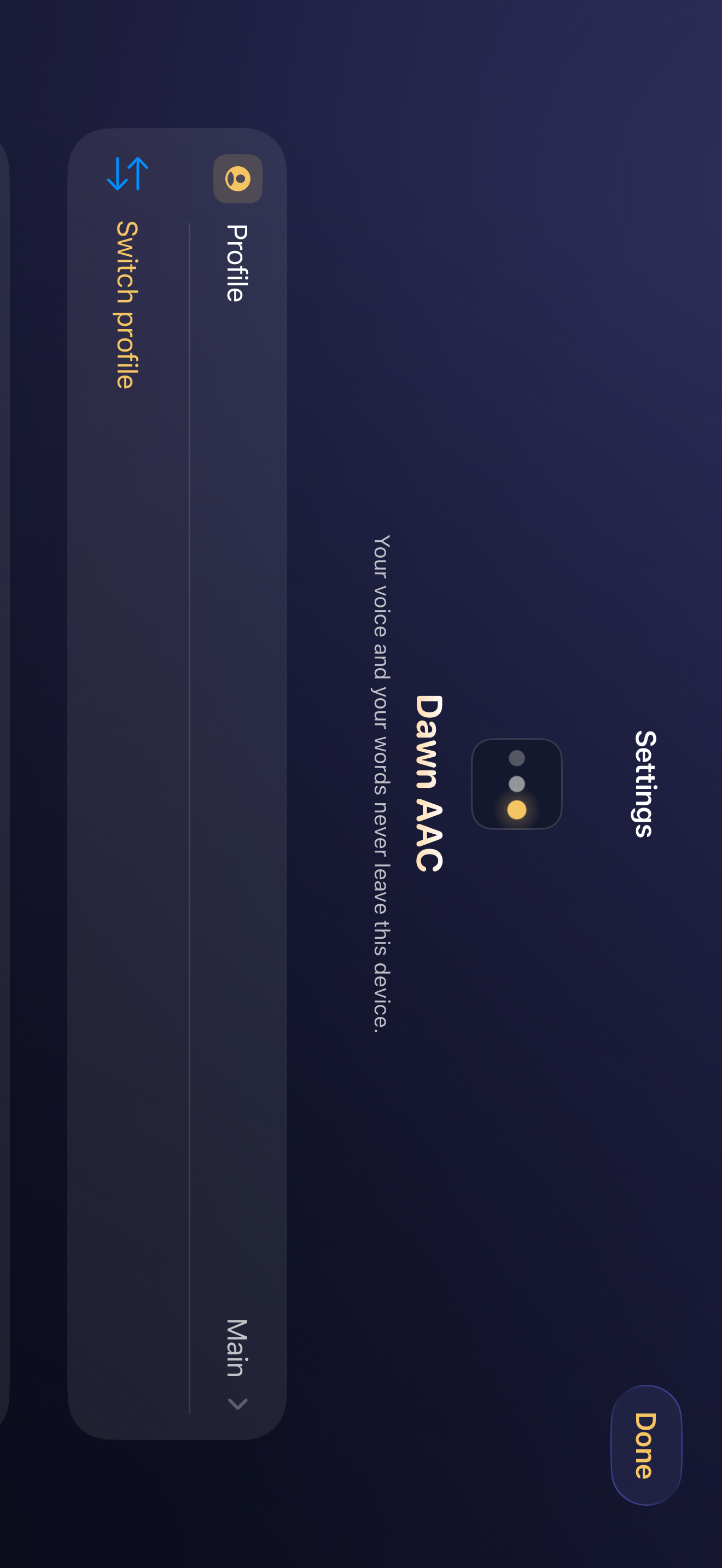
| Also built in | Profiles for several people on one device, message banking, typing with word prediction, a speaking whiteboard, Open Board Format import and export, one-tap backups with an automatic safety copy before any restore |
| Connectivity | None required, ever. Everything, the speech engine and the voice builder included, ships inside the app; the whole app works in airplane mode from the first launch |
| Privacy | No account, no analytics, no server. App Privacy label: Data Not Collected. Policy |
The story
Most AAC voices are generic. For a child, that means sounding like a default; for an adult losing their voice to ALS or surgery, it means losing it entirely. Voice banking services exist, but they typically want long recording sessions and a cloud upload, which is a lot to ask of someone whose speech is already unsteady.
Dawn's engine needs about eight seconds. One take, even shaky or noisy. The voice is built and tuned on the phone itself, measured against the recording rather than guessed, and the audio never leaves the device. The same architecture is why the privacy answer is simple: there is no server to send anything to.
Quotable claims, all verifiable
Eight seconds of audio becomes a personal voice, built on the phone in about ten seconds.
Dawn collects no data. Not minimized, not anonymized: none. The App Privacy label reads "Data Not Collected."
The entire speech engine runs offline. A child can speak in an elevator, a basement classroom, or a plane.
Vocabulary grows by appearing, not by rearranging: a word learned on day one is in the same place on day one thousand.
A therapist can keep every student on one iPad, and a board built in Dawn can leave it: Open Board Format in and out.
Assets
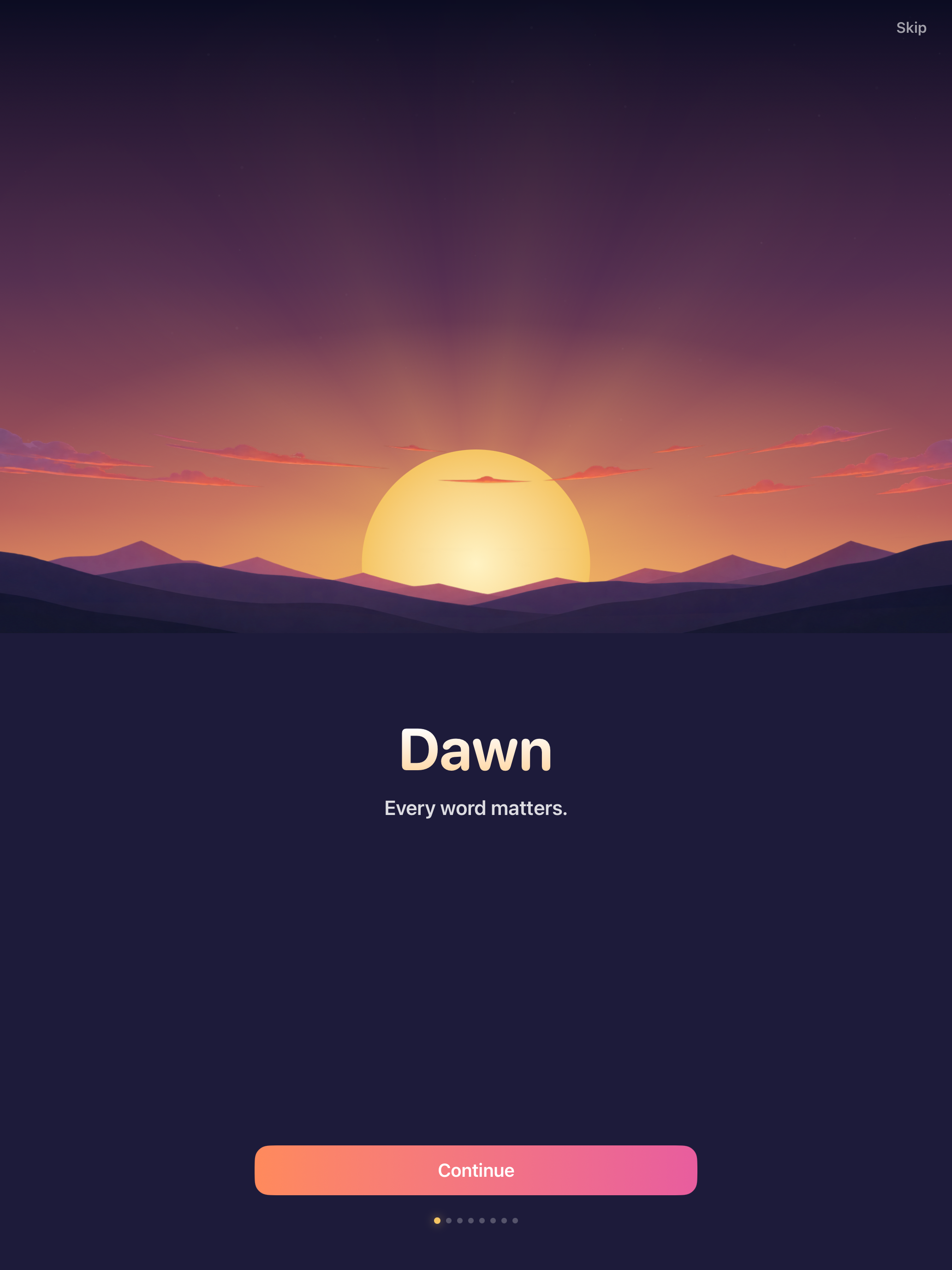
Right-click or long-press to save, or use the download links. Screenshots are straight from the current build on iPhone 17 Pro Max and iPad Pro 13-inch simulators; no device frames, so they drop into any layout.
Icon
Screenshots
Accuracy notes for writers
Things often gotten wrong about apps like this, stated plainly: Dawn is not a medical device and does not diagnose anything. The personal voice is created from a live recording made in the app; there is no path for importing someone else's audio into voice creation. "No data collected" includes crash reports and analytics, not just personal data. AAC is used by people of all ages, not only children.