Type to speak on iPhone and iPad

For people who can spell but can't rely on their voice, for example after a stroke, with ALS or after surgery. Type a sentence and Dawn reads it aloud in a natural voice.

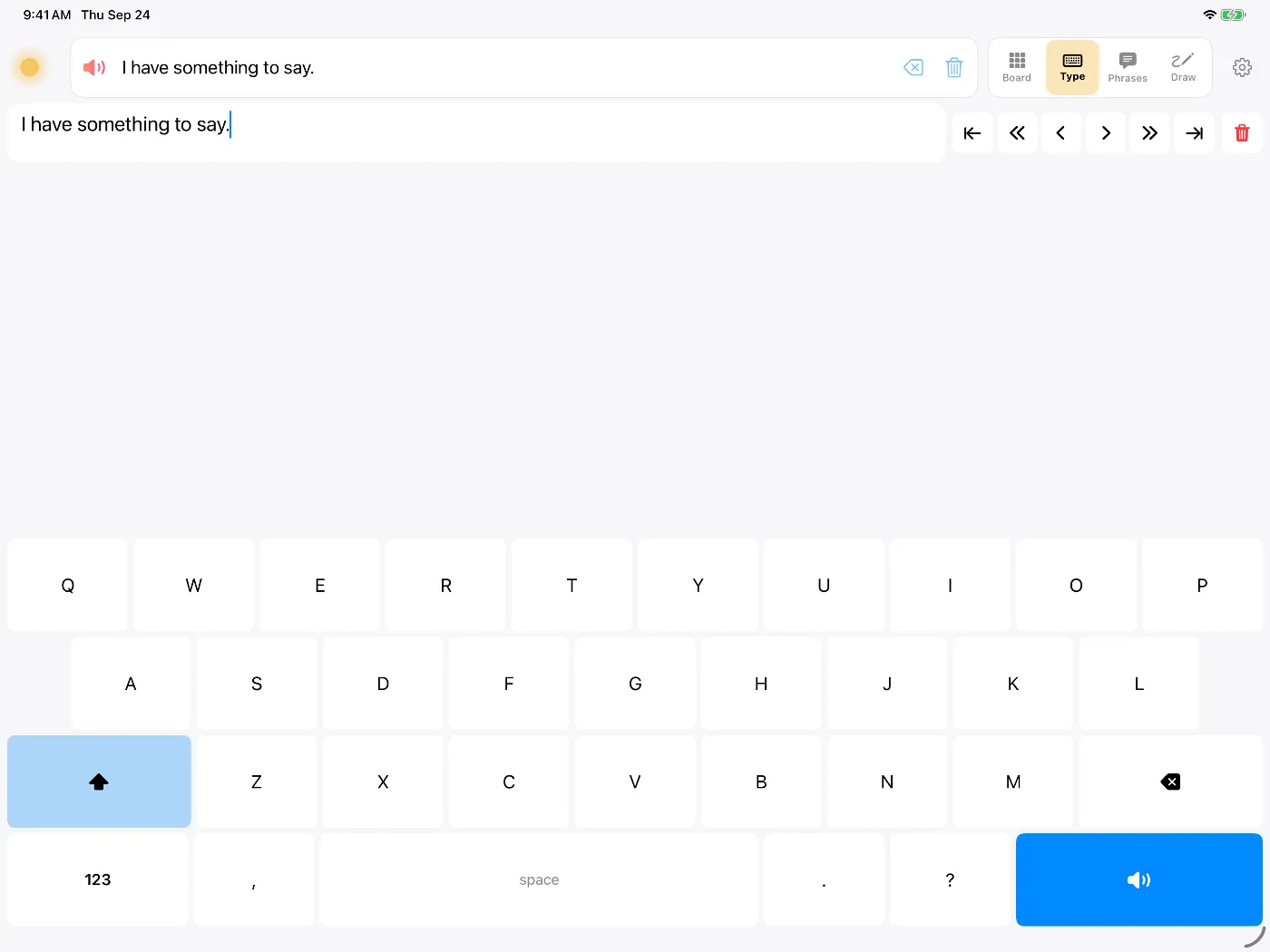
Dawn's Type view on iPad: the message 'I have something to say.' above a large keyboard with a blue Speak key

Many people who lose their speech can still read and spell. Typing lets them say exactly the words they choose. Dawn's Type view is a keyboard that speaks what you write.

How it works

  • Large keysThe keyboard fills the bottom of the screen. Buttons above it move the cursor a word at a time, for fixing typos.
  • Word predictionDawn suggests words as you type, which saves keystrokes.
  • Works offlineThe voice runs on the iPhone or iPad, with no internet connection needed.
  • Full screenDawn can show the message in large type, for a noisy room or a listener who reads better than they hear.
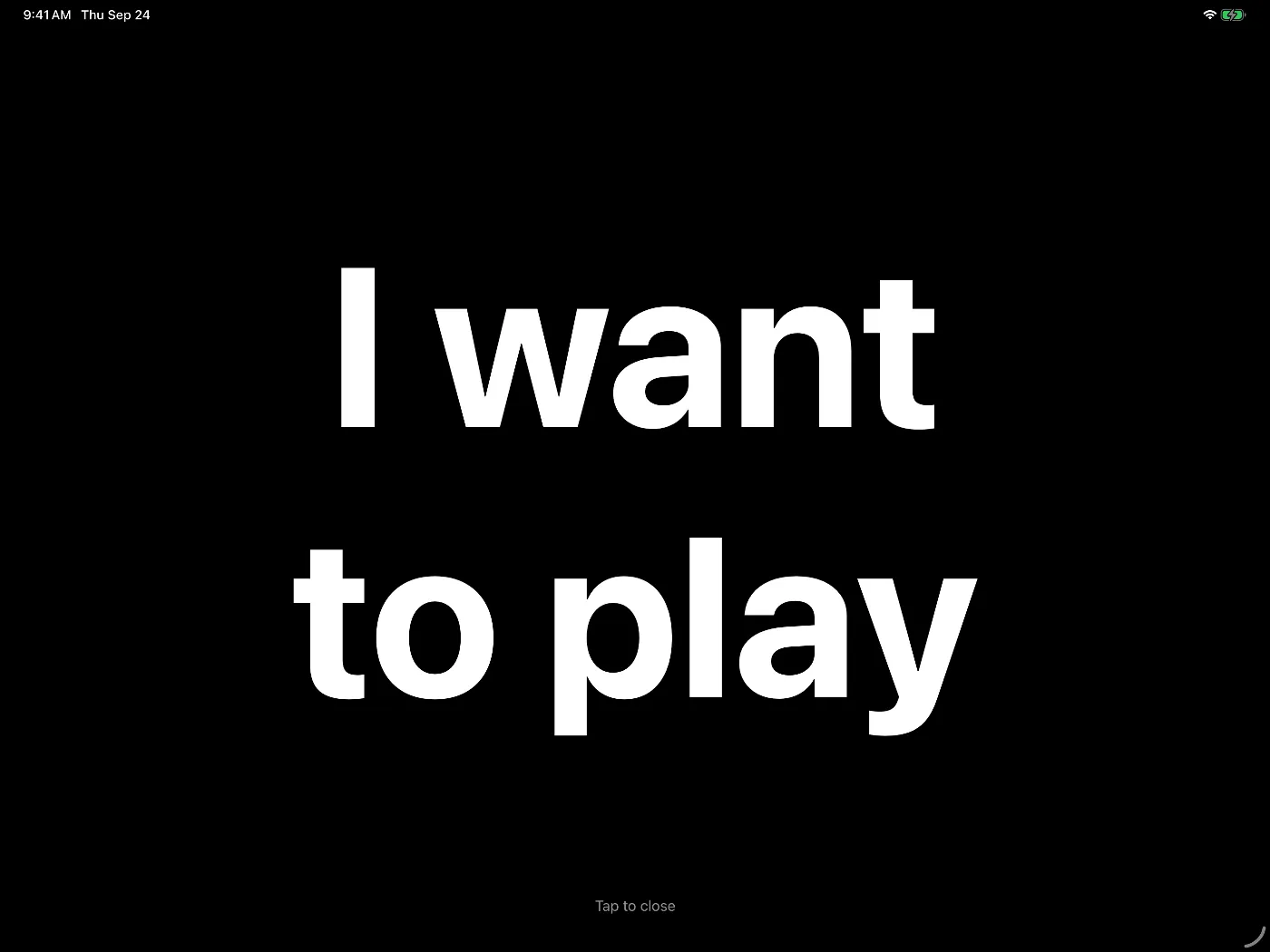
The message 'I want to play' shown full screen in large white letters on black
A message shown full screen, readable across a table.

Voices

Dawn comes with over 900 natural voices across ages and accents. In Voice Studio you can adjust any voice's pitch and age, or compare a recording with the built-in voices to find the closest ones.

You can also make a voice from a recording of your own speech; see voice banking. If you have a condition that will change your voice, our guide on when to bank your voice explains when to record.

Saved phrases

Some sentences come up every day: "Give me a minute to type." "Can you come closer?" "I'm fine, just tired." You can save a message to the Phrases tab from the message bar and play it again with one tap. You can also record phrases in your own voice with message banking and play them back exactly as you said them.
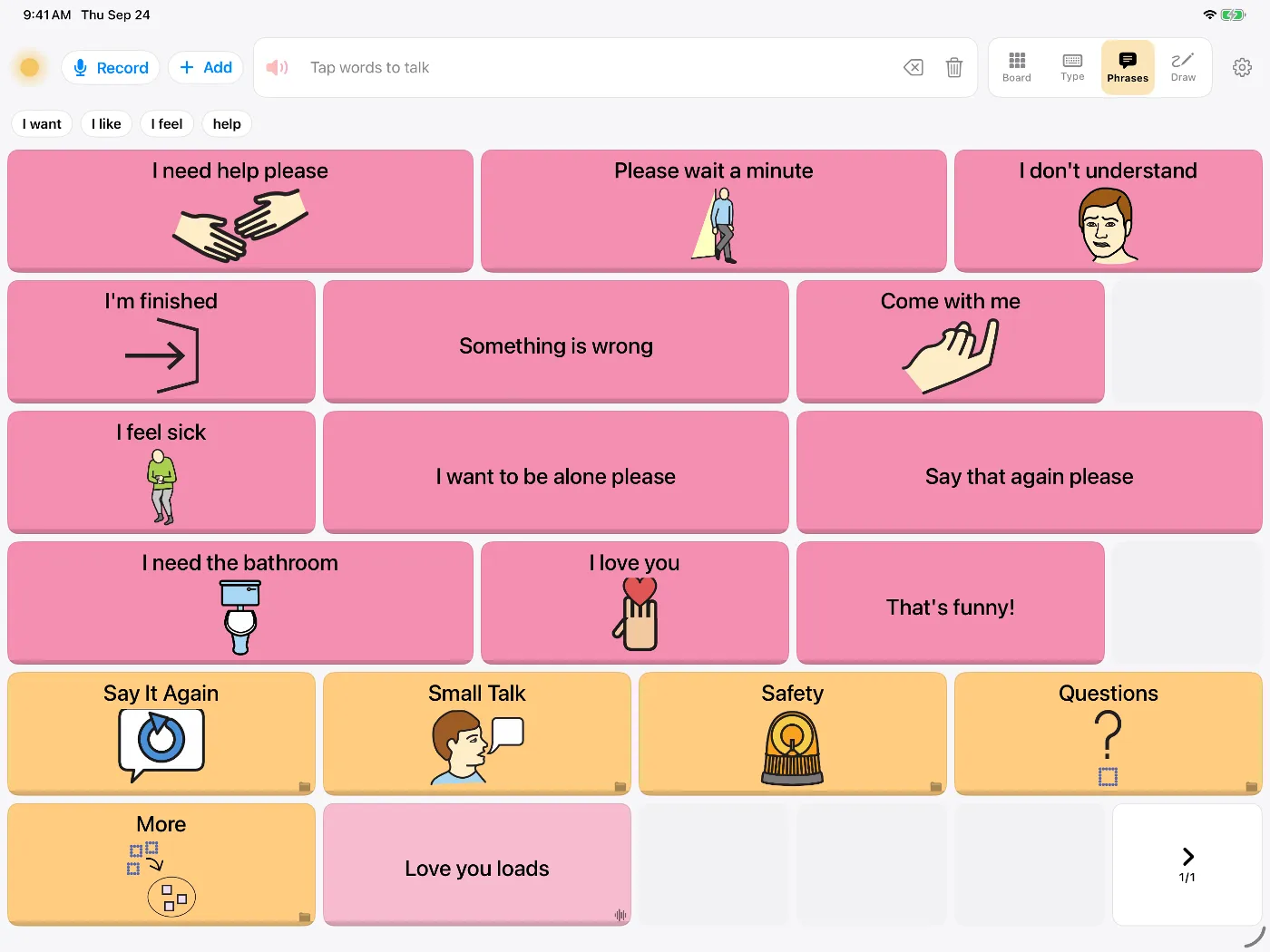
Dawn's Phrases tab with large buttons such as 'I need help please', 'Please wait a minute' and 'Say that again please'
The Phrases tab, with typed phrases and recorded ones.

For adults

The Type view opens straight to a plain keyboard. The symbol board is a tap away for days when spelling is hard. Several people can share one iPad, each with their own profile.

Questions people ask

What does the Type view include?

A keyboard that reads what you type aloud, plus word prediction, a Phrases tab for sentences you use often, full-screen display of the message, and voices that run on the device.

Can I make a voice from a recording of my speech?

Yes. Record about eight seconds of your speech and Dawn builds a voice from it on the iPhone or iPad, which you can then use for everything you type. If your voice has already changed, try a recording anyway and listen to the result. Voice Studio can also find the built-in voices closest to yours.

Does it need Wi-Fi or a data plan?

No. The voices and the keyboard work without a connection.

Can I use symbols as well as typing?

Yes. The symbol board, Phrases tab and whiteboard are in the same app and use the same voice. Switch to saved phrases when typing would take too long.

Does it work with switches or eye tracking?

Dawn has its own switch scanning, which covers the keyboard as well as the board. iOS Switch Control and eye tracking also work with every button.

Try Dawn on iPhone or iPad

Symbols, typing and saved phrases, spoken in a natural voice. Dawn can also build a voice from about eight seconds of your own speech.

Requires iOS 17 or later.