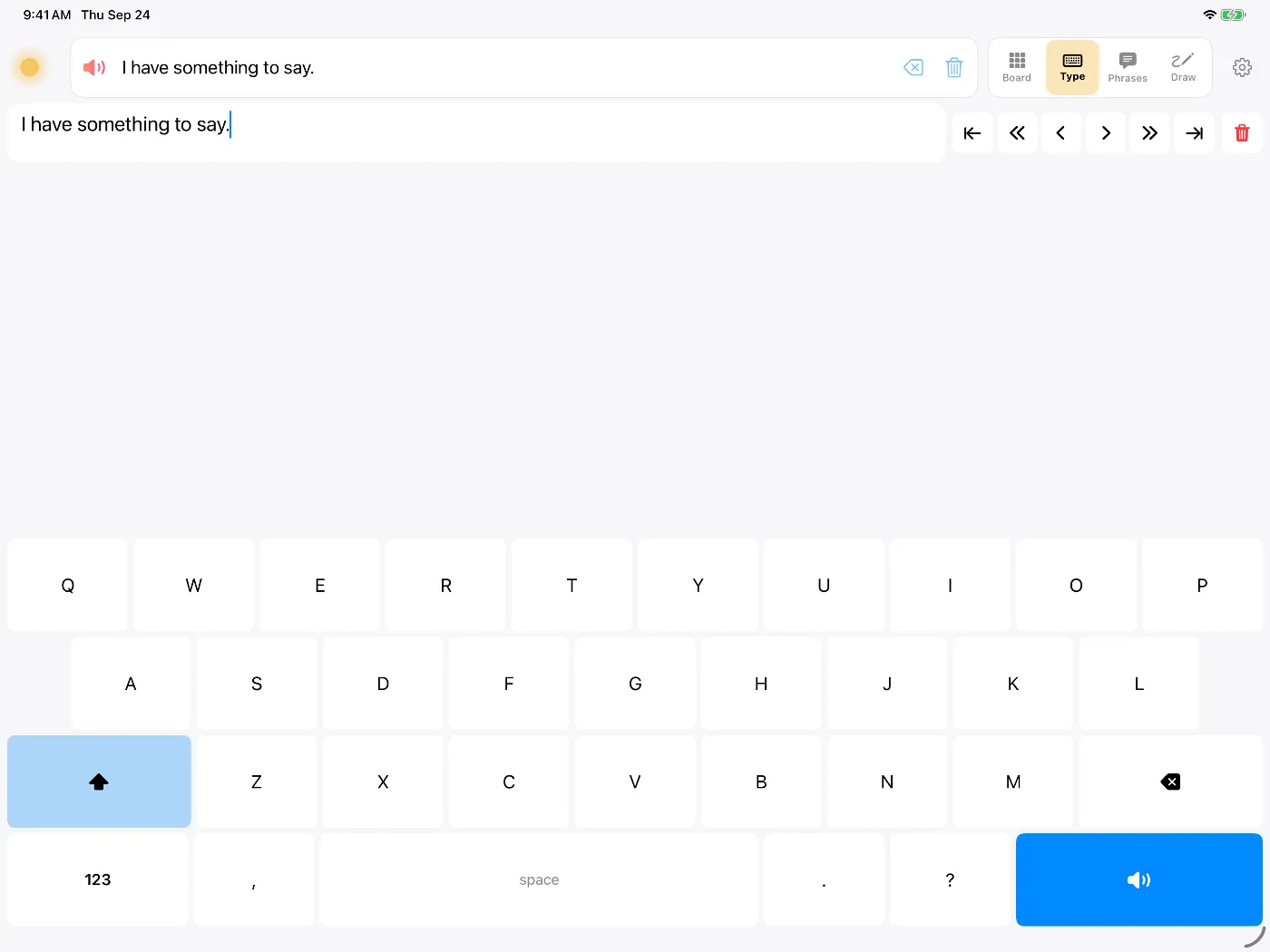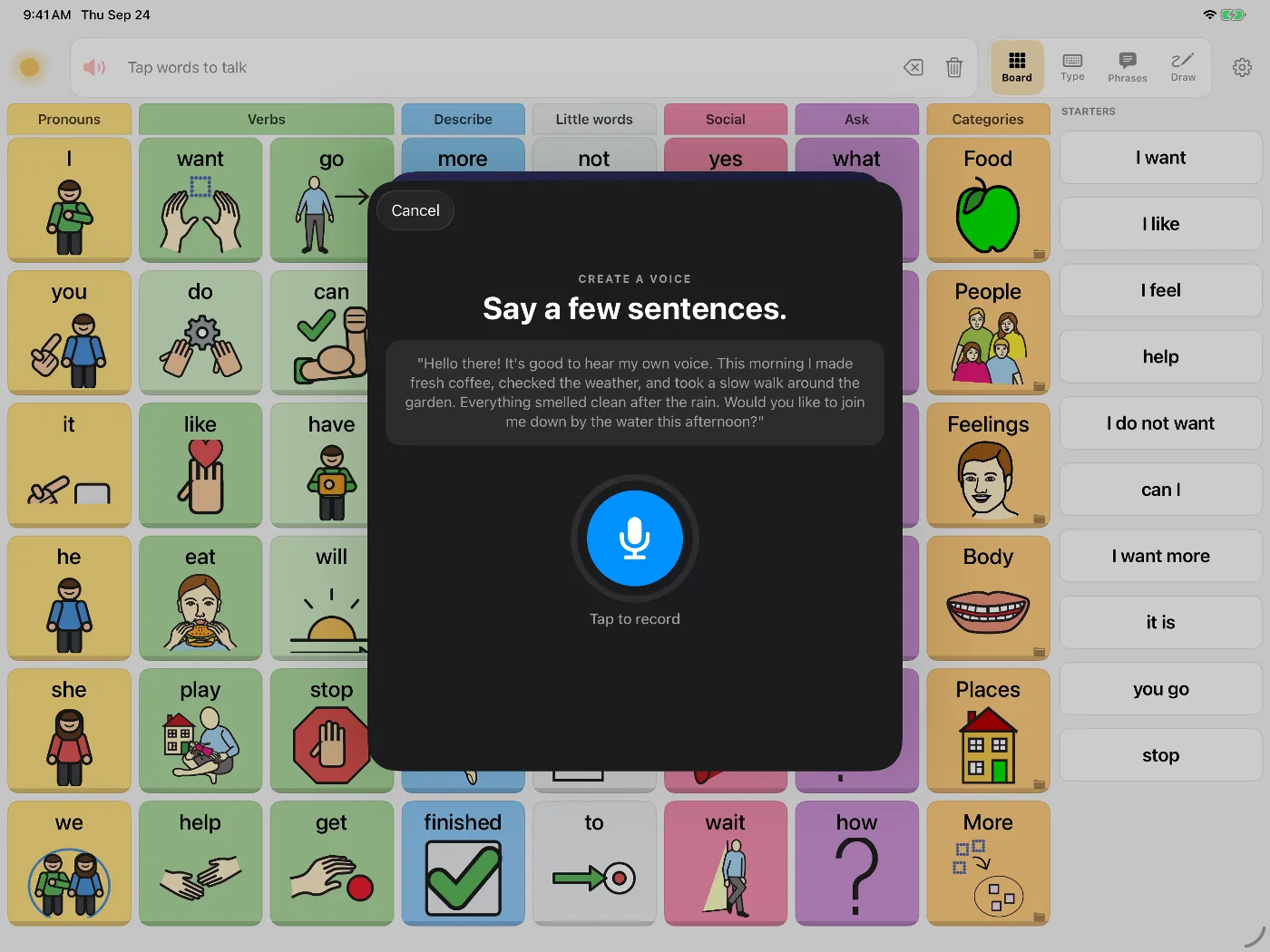
A total laryngectomy removes the voice box. Surgery for cancer of the tongue (glossectomy) or throat can also change speech permanently. To record your voice as it sounds now, record before the operation. In one study, people facing laryngectomy said losing their voice was what they feared most about the surgery.1
Making the voice
Dawn makes a voice from about eight seconds of reading, on your iPhone or iPad, in about half a minute. Listen to the result before surgery, and record again if it doesn't sound right. If you have time, record some phrases as well.
A checklist before surgery
- Make your voice. Settings, then Voice, then Create a personal voice. Read the passage in your normal voice, in a quiet room.
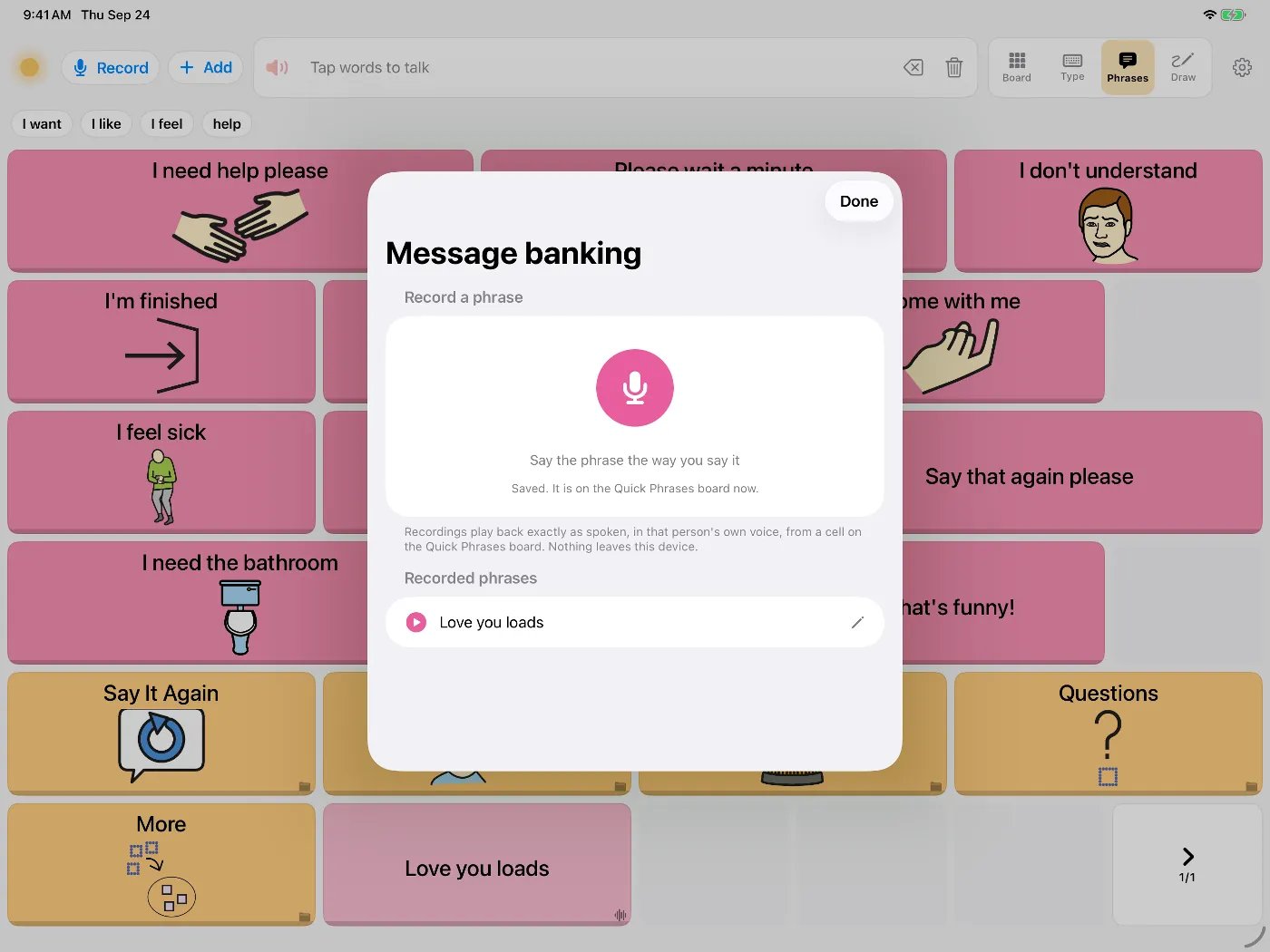
- Record phrases. Names, "I love you", the way you answer the phone. See ideas for what to record.
- Save hospital phrases. "I'm in pain." "Can you suction please?" "I can hear you, I just can't talk." Put them in the Phrases tab.
- Try it once. Type a sentence and play it.
- Back up. Settings, then Data & Backup, saves everything, including your voice and recordings, to a file you keep.
After surgery
In the first days after the operation you can type or tap a saved phrase. In one study of patients after head and neck surgery, 84 percent of those who could use a customised iPad found it very or somewhat helpful.2 Dawn doesn't need Wi-Fi, so it works on the ward.
Later, many people learn to speak with a voice prosthesis, an electrolarynx or oesophageal speech. Your surgical team and speech and language therapist can tell you which suit you; ask them before the operation if you can.