When you can't talk for a while

After vocal cord surgery, with a tracheostomy or a breathing tube, on strict voice rest or with a wired jaw, you may not be able to speak for days or weeks. Dawn speaks what you type or tap, in a natural voice.

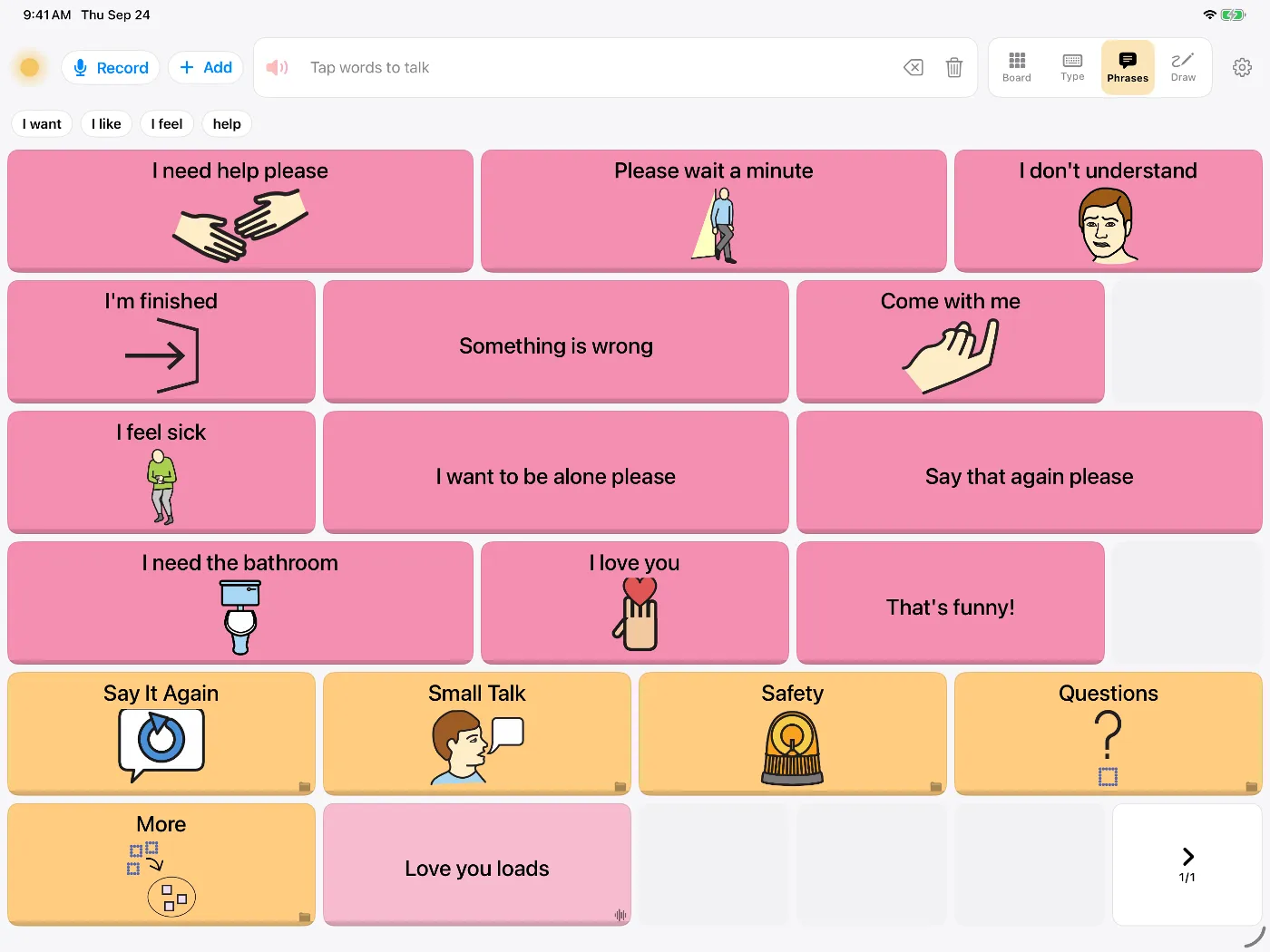
Dawn's Phrases tab with buttons such as 'I need help please', 'I feel sick', 'Please wait a minute' and 'I need the bathroom'

After surgery or intensive care you may need another way to ask for pain relief or talk to your family. Hospitals use communication boards and other aids; a talking app on your phone is another option, and worth mentioning to the care team.

Setting up

  1. If you can, install Dawn before the procedure, while you can still talk through the choices.
  2. Choose a voice. Dawn can also make a voice from a short recording of you, if you record before the procedure. See voice banking.
  3. Add the phrases you'll need most. There's a starting list below.
  4. Show the people around you how it works, so they know to wait while you type.

Phrases to save in advance

  • Care"I'm in pain." "Can I have some water?" "I need the bathroom." "I'm too hot / too cold." "Please call the nurse."
  • Questions"What time is it?" "When can I go home?" "What did the doctor say?" "Can you write that down for me?"
  • Conversation"Give me a minute to type." "Yes." "No." "Say that again please." "I'm fine, just tired."
  • People"Can you call my wife?" "Tell the kids I love them." "Thank you for everything."
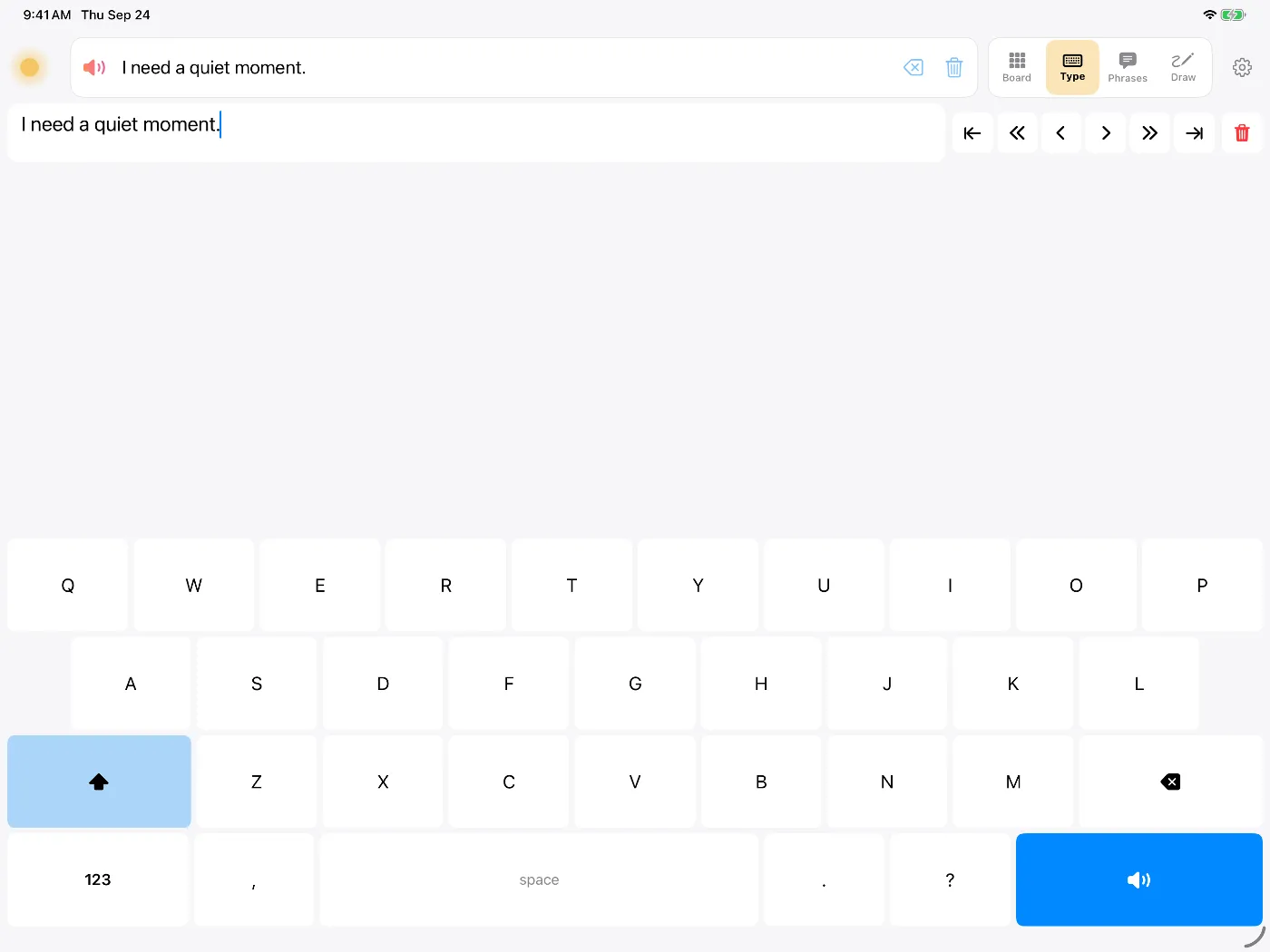
Dawn's Type view on iPad with the message 'I need a quiet moment.' ready to speak
Type a message, then tap the speaker key to say it.

Ways to talk in Dawn

  • Type with word prediction, then tap to speak. More on typing.
  • Tap a saved phrase for things you say often.
  • Write by hand on the whiteboard and Dawn reads it aloud.
  • Show the message full screen for someone across the room.

If the voice loss may be permanent

Some operations, such as a laryngectomy, remove the voice box permanently. If that's ahead of you, consider recording your voice before the operation. Our page on AAC for head and neck cancer and our guide to ways to keep your voice explain the options.

Questions people ask

Is a talking app better than a whiteboard?

Use both if you can. A whiteboard is quick and doesn't need charging. A talking app is better on the phone, across a room, with someone who can't read your handwriting, and for getting someone's attention. Dawn also has a whiteboard view that can read your handwriting aloud.

I only need it for two weeks. Is it worth setting up?

Setting up takes a few minutes: pick a voice and add the phrases you expect to need. Dawn has a free trial, and a subscription can be cancelled from your Apple account at any time.

Will it work in hospital without Wi-Fi?

Yes. All of Dawn's speech runs on the device, so it works with no Wi-Fi or mobile signal.

My hands are weak or I'm lying flat. Can I still use it?

Dawn's buttons can be made larger, and it can ignore accidental repeated taps. If touch is too hard, iOS Switch Control, head tracking and eye tracking work with every button, and Dawn has its own switch scanning. Ask the care team or an occupational therapist about mounting the device where you can reach it.

Try Dawn on iPhone or iPad

Symbols, typing and saved phrases, spoken in a natural voice. Dawn can also build a voice from about eight seconds of your own speech.

Requires iOS 17 or later.