Cerebral palsy affects movement, often including the movements of speech. In a review of 30 population studies, 1 in 4 children with cerebral palsy could not talk.1 In a Swedish study of 129 children, more than half had a speech disorder or no speech.2 Many of these children understand language well.
Research
A systematic review of nine studies with 294 people found moderate-quality evidence that AAC improves both understanding and expression in people with cerebral palsy.3
In a Norwegian study of preschoolers with cerebral palsy, about a third needed AAC, but only 11 of those 35 children had a communication aid. Parents of children who had one said they used it often and were satisfied with it.4
There is little research on eye-gaze control.5 An AAC specialist can help the person try different controls and compare how reliably they can use them.
Dawn's access options
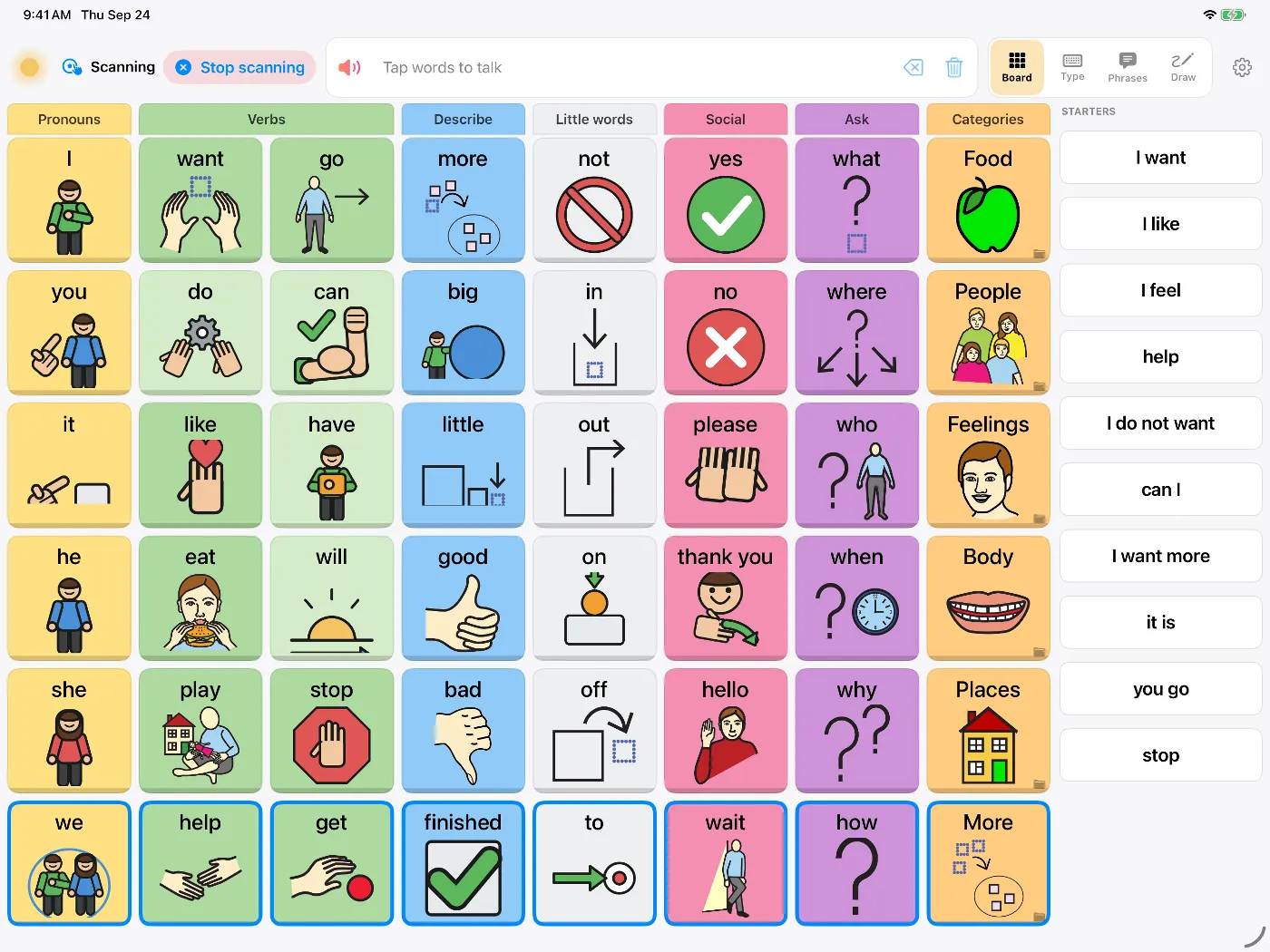
- Switch scanningDawn highlights buttons in turn and the user selects with a switch. It can scan row then column, column then row, in blocks (a quarter of the board at a time, which saves presses on big grids), or one button at a time. Use one switch with automatic scanning, or two switches to step and select. Timing, the pause after a selection and the highlight style can all be changed.
- Auditory scanningDawn can speak each item, or click, as the highlight moves, for people who scan by listening.
- What scanning coversThe board, keyboard, phrases, message window and view switcher. Speak, delete and Stop are always in the cycle.
- Bigger buttons3 × 4, 4 × 6 and 5 × 7 grids.
- Touch settingsA hold time before a tap counts, so brushing the screen doesn't select anything, and an option to ignore repeated taps from a tremor or spasm.
- Apple's built-in accessiOS Switch Control, head tracking and Eye Tracking work with every button in Dawn.
Dawn doesn't include switches, mounts or eye-gaze cameras, and it isn't a rugged dedicated device. For some people, especially those whose only reliable access is eye gaze, a dedicated device arranged through a specialist assessment is the better choice. Some families use both. The paying for AAC guide covers funding.
Setting up
- Watch which movement your child makes most reliably and with least effort.
- If touch is possible, try it first with a larger grid and a hold time; your therapists can help you judge when switches would be easier.
- If you move to switches, start with slow automatic scanning and a few words, and speed up later.
- Use the board yourself while you talk, so your child sees where words are.
An occupational therapist and a speech-language pathologist who know AAC can help choose the access method, the switch and where to mount it, so ask for an assessment with both.